Free browser demo
Play Tankbar in your browser
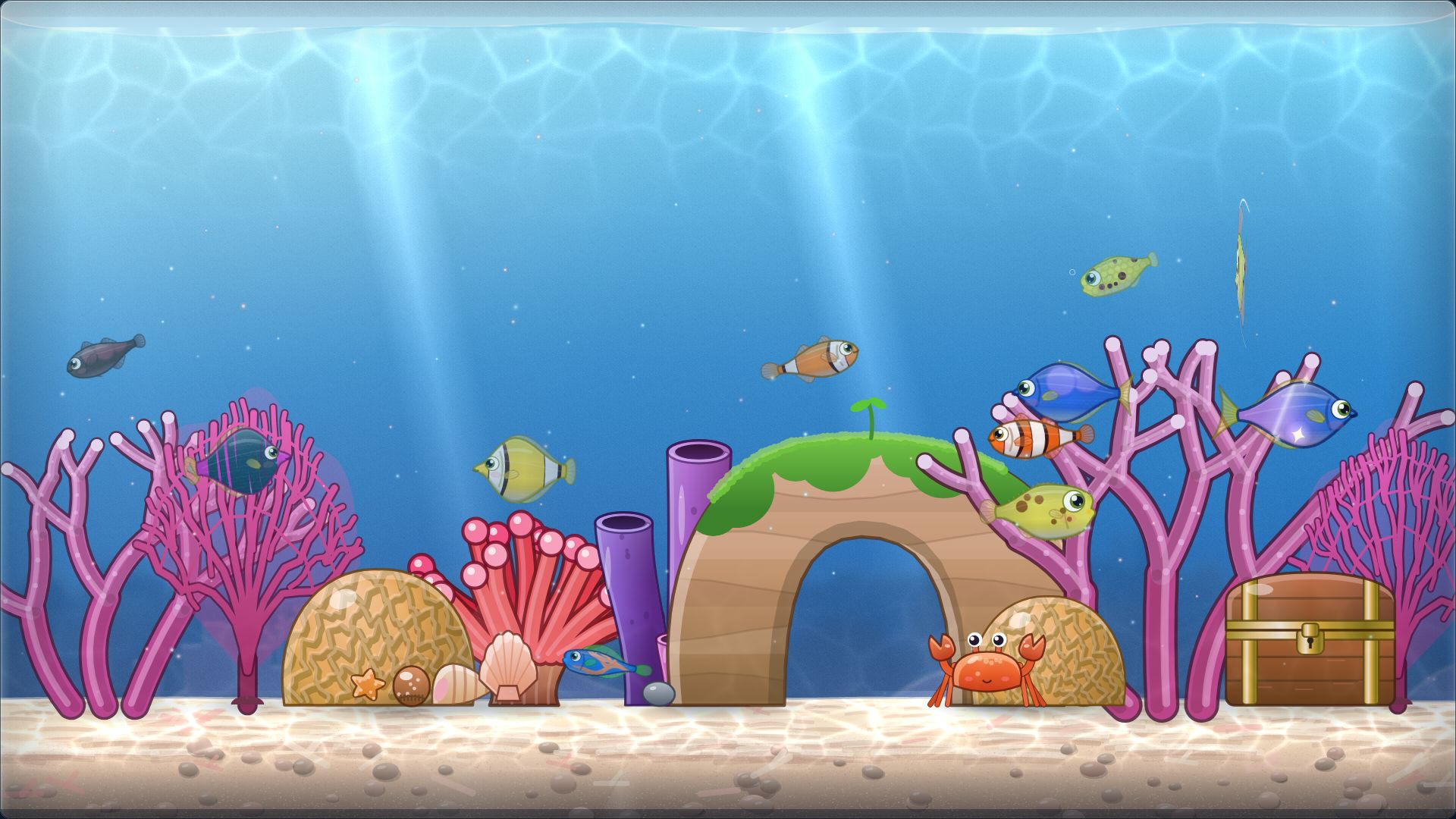
A tiny living aquarium, right here in this tab. No install and no sign-up.
Play the free demo
No install, no sign-up, no time limit.
- 3 biomes
- 18 species
- Export and import your save
It works best on a desktop or laptop, where the aquarium can sit above your taskbar. You’re welcome to try it here anyway.
Filling the tank…
- Graphics Checking…
- Sound Checking…
- Saving Checking…
- Screen Checking…
What’s in the demo
A real slice of the game
- 3 biomes: Sunlit Shallows, Coral Garden, Kelp Forest.
- 18 species to hatch, breed and collect, each one a little different.
- Level 6 is a soft cap. After that the tank keeps running, and nothing is taken away.
- No time limit. The demo never expires.
- All 3 radio stations, day and night, weather, Focus Tide, the Dex and achievements.
- No Harbor in the demo. The optional online mode is part of the full game.
- Export and import your save. Keep a backup file, or move your tank to another browser. That file is a backup, not a carry-over path: bringing a tank into the full game is what the planned Steam demo is for.
The full game
Love it? Take the whole aquarium home.
Tankbar is a one-time purchase for Windows on Steam. No ads, no microtransactions, no loot boxes, and an optional cosmetic Supporter Pack, planned for launch day, if you would like to say thanks.
- 7 more biomes and 29 more species
- Levels past 6, and the free Level Road (rewards up to level 60 at launch, more in free updates)
- Docks above your real taskbar
- An optional online mode (the Harbor), signed in with Steam
Planned for 12 November 2026
Bring your fish with you
- A free Steam demo is planned before launch.
- Play it, and your tank is designed to carry over to the full game through Steam Cloud.
- The web demo on this page is separate: its exported save is a backup for this demo, not a carry-over path.
Carry-over is for the Steam demo. Export and import above are for backups and moving between browsers.
Good to know
Save tips and small questions
Where is my save?
In this browser, on this site. The game saves every 15 seconds and whenever you leave the tab.
Can I lose it?
Clearing site data or cookies for this site deletes the save, and so does a private window closing. Press Export save now and then and keep the file somewhere safe.
How do I move to another browser or computer?
Export the save here, open the demo in the other browser, and choose Import save. Saves belong to one site address, so a different address starts a fresh tank.
Why is it silent?
Browsers only allow sound after you interact with a page. Click the tank once and the sound turns on.
What is Desktop preview?
A simulated desktop with the tank docked above a taskbar strip, so you can see how it feels. A browser can’t dock to your real taskbar; the Windows app does that.
Does it work on a phone?
It runs, but Tankbar is made for a computer’s taskbar and is best on a desktop or laptop.