Features
Small on your screen. Big on details.
Tankbar lives on your taskbar and keeps you company while you work. Here is what it does, with the real numbers and real footage.
- Click the water to drop food, and watch the fish race for it.
- Rest your cursor on a fish to pet it. Hearts float up, and a puffer puffs.
- Double-click the glass to startle them. Curious fish follow your cursor.
- Name every fish. Each has one of 6 personalities and a mood, from Sleepy to Joyful.
- Fish never die, starve or get sick. Breeding never uses up the parents, letting a fish go always asks first, and a favorite-lock protects the ones you love.
Docking
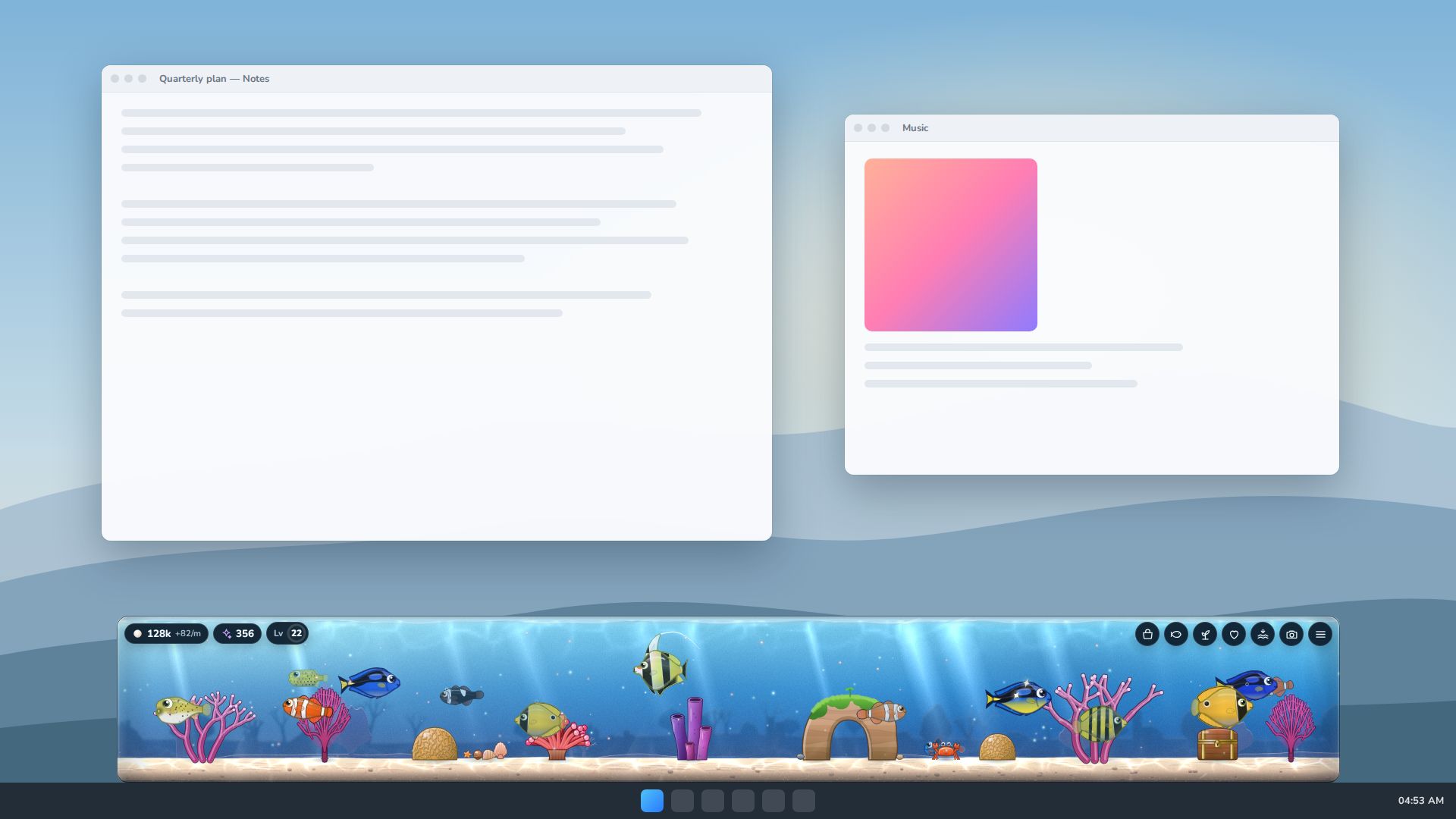
Sits on your taskbar, or floats above it
The Windows app docks the tank where you like it, and gets out of the way when you would rather it did.
4 dock modes: On taskbar, Above taskbar, Top, and Floating. The default is Above taskbar.
- Set the height from 48 to 420 px, the width from 15% to 100% of your screen, and the opacity from 30% to 100%.
- Slide it left or right, and pick which screen it lives on if you have more than one.
- It sits in the tray, can start with Windows and stays on top.
- Global hotkeys: Ctrl+Alt+T shows or hides the tank, and Ctrl+Alt+M opens the menu.
Ghost mode
Three click modes: the whole tank catches clicks, only the fish and buttons do, or Ghost mode, where every click passes straight through to whatever is underneath. Toggle Ghost mode any time with CtrlAltG, or from the tray menu.
Docking to a real taskbar is a feature of the Windows app. The browser demo shows the same tank on a simulated desktop with its Desktop preview.
Day and night
It knows what time it is
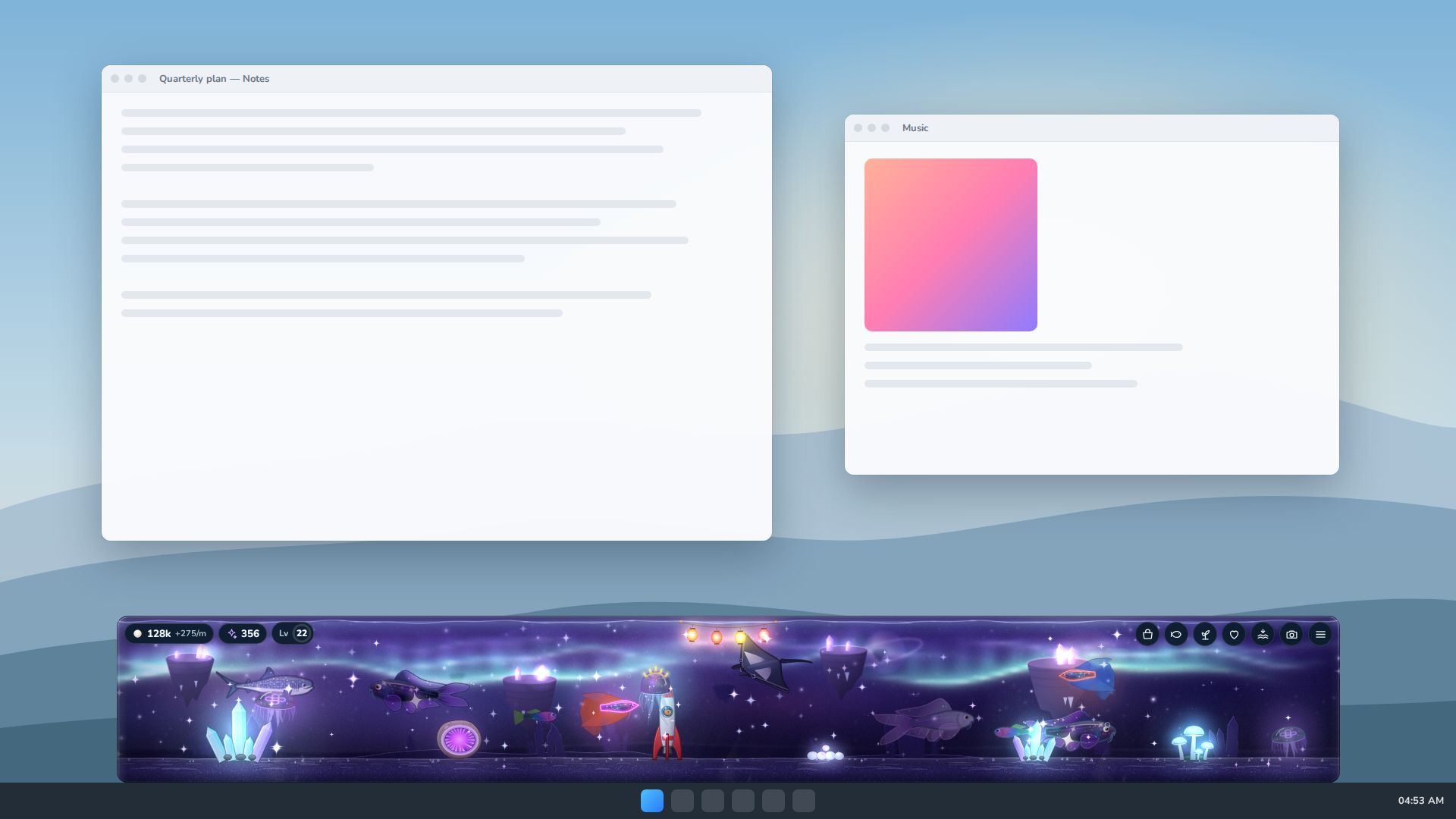
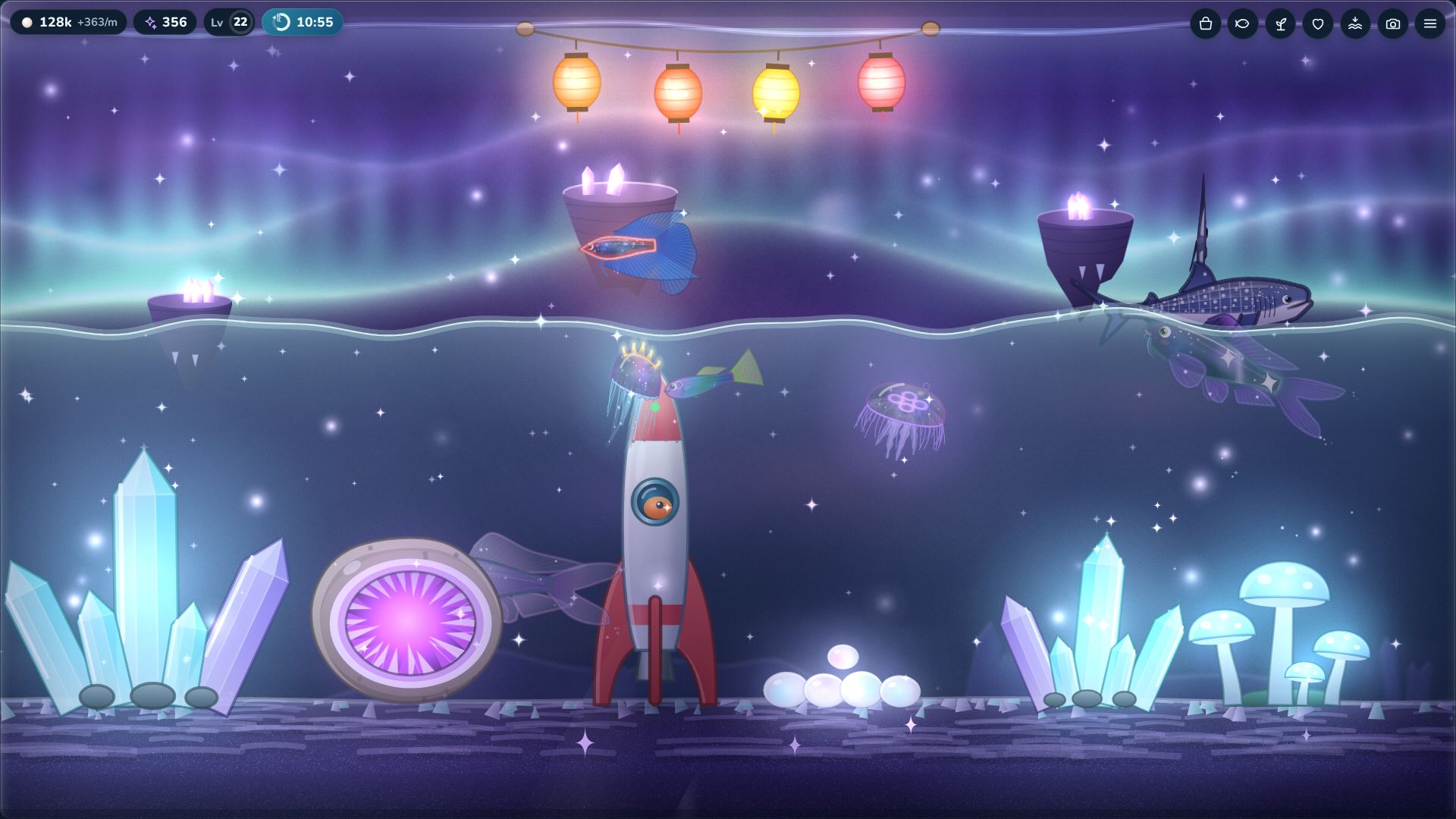
The tank follows your computer’s clock. Mornings are bright, evenings turn deep blue, and after dark the glow comes out.
Phases of the day
- Dawn06:00–08:00
- Day08:00–18:00
- Dusk18:00–20:00
- Night20:00–06:00
- Lock it to automatic, always day or always night, and set how dark the night gets with a slider.
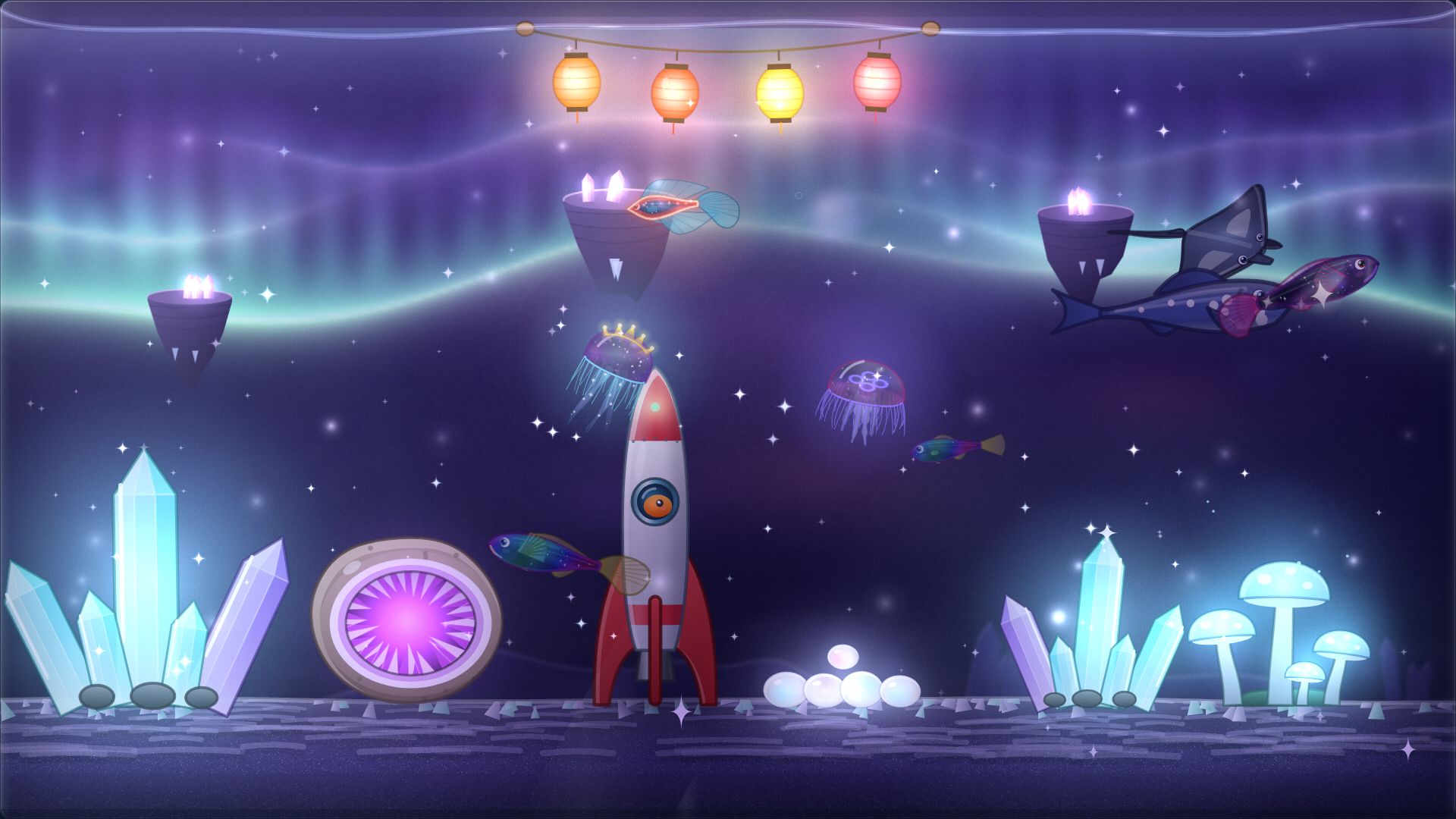
- At night, bioluminescent fish, lanterns, glow mushrooms, crystals and lighthouses light up.
6 kinds of weather
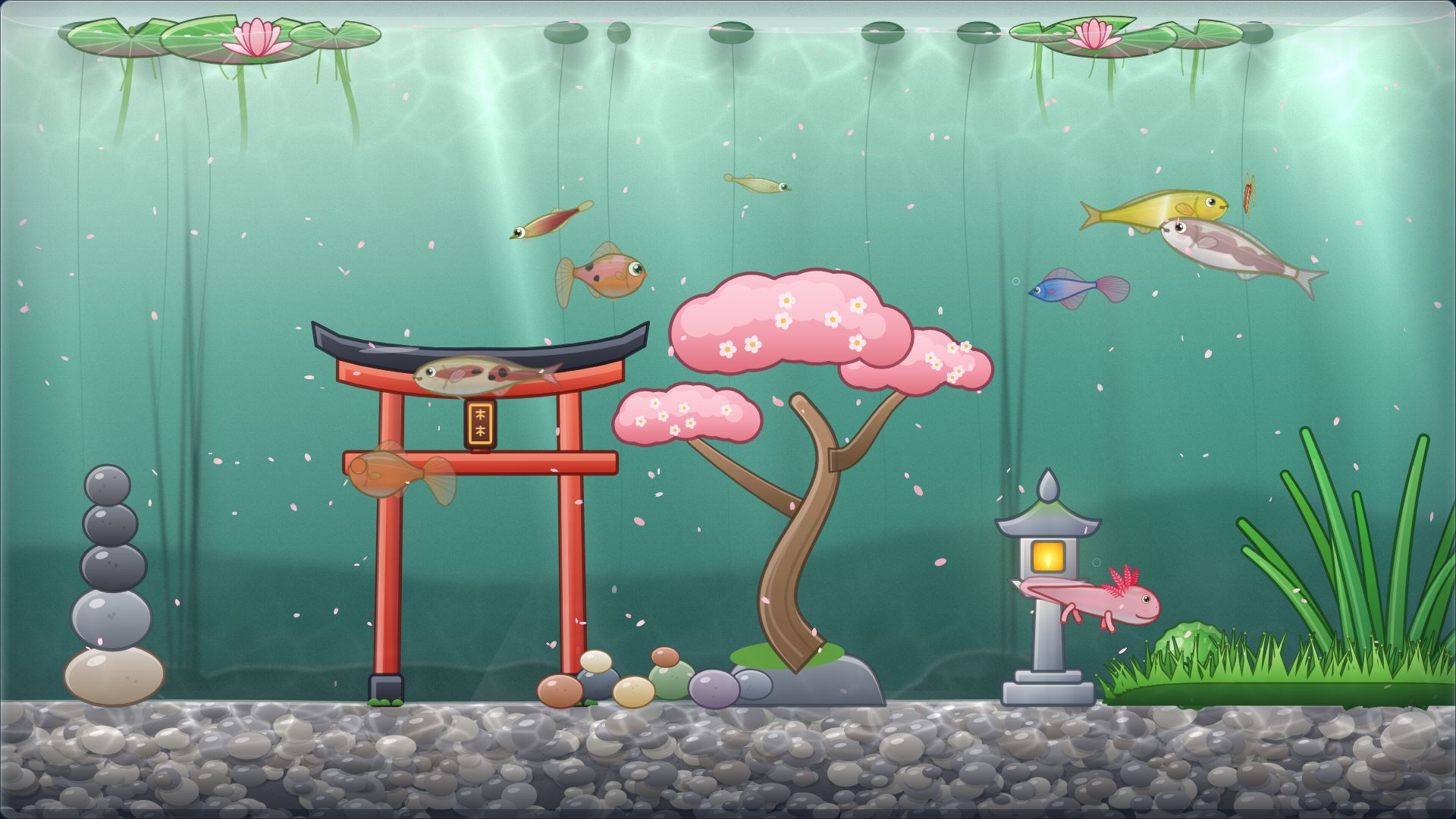
Weather changes by itself, each spell lasting 25 to 60 minutes, or you can pick it by hand, and it fits each biome. Snow turns up more in December to February, petals in March to May, and the aurora only appears at night.
- Clear
- Sunlight dancing on the sand.
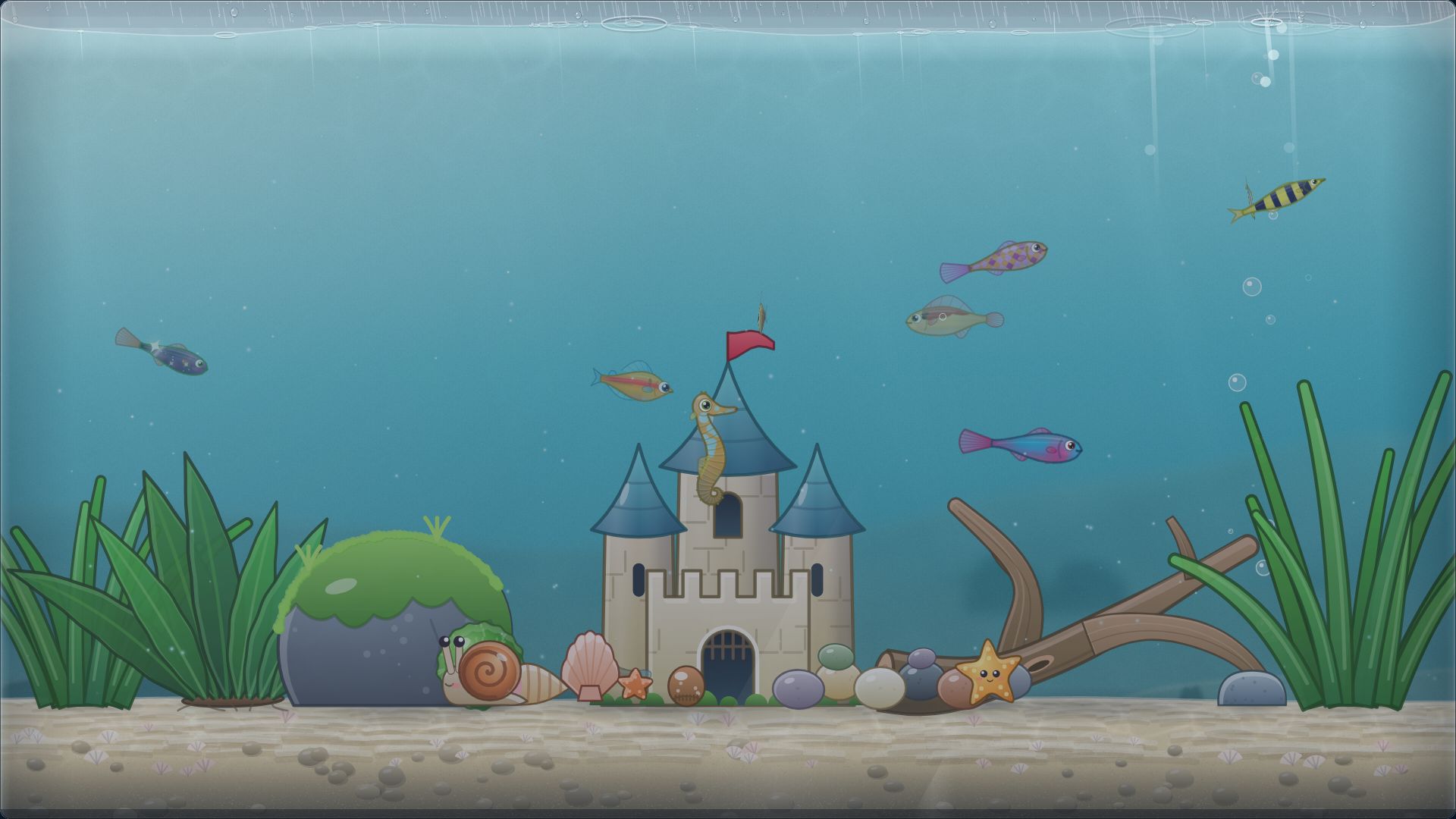
- Rain
- Soft ripples on the surface and the patter of rain.
- Snow
- Flakes drift down and settle quietly.
- Aurora
- Ribbons of green and violet light. Night only.
- Petals
- Blossoms float down on a spring breeze.
- Storm
- Rare, far-off flashes. The fish find it thrilling, not scary.
Biomes and decor
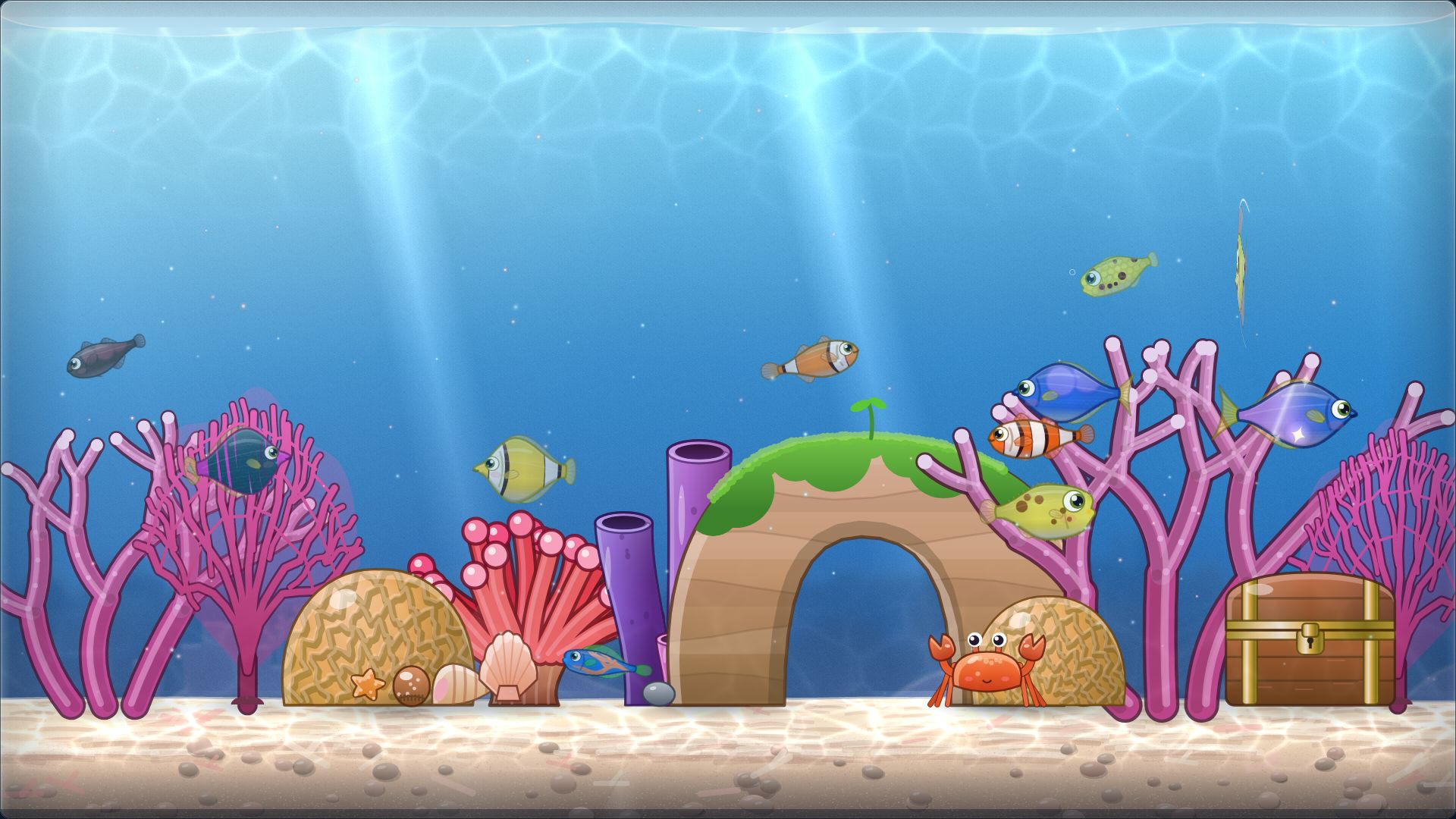
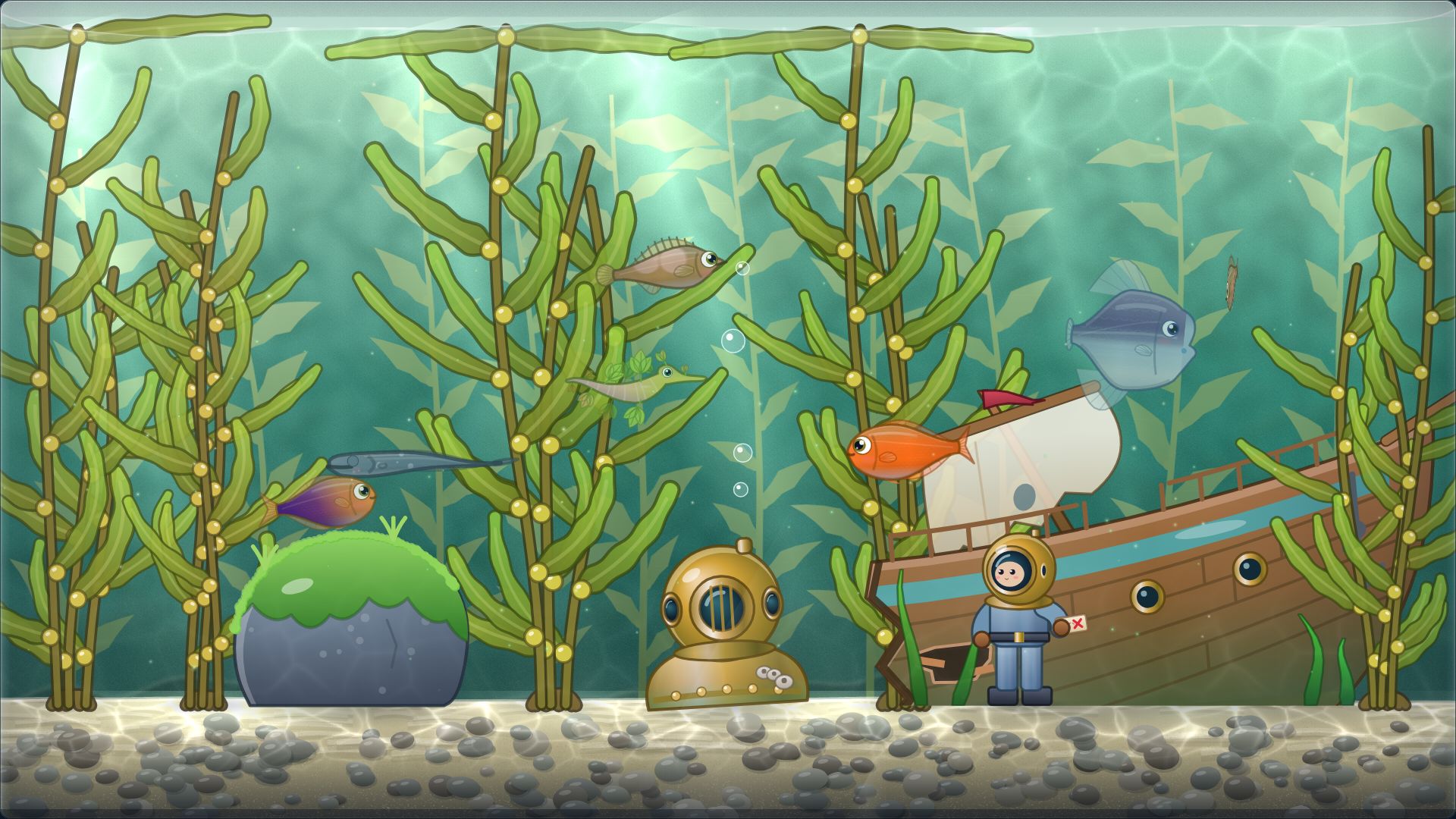
10 biomes to unlock, 55 decorations to place
From sunlit shallows to a nebula reef, every biome has its own species, its own light and its own mood.
- Biomes open as you level up, from level 1 to level 22.
- 55 decorations in 7 categories: 49 are sold in the shop and 6 are earned rather than bought.
- The earned ones are the Tide Clock for finishing 10 Focus Tides, plus 5 that come from the Harbor, such as the gold, silver and bronze trophies and the Show Rosette from Fish Shows.
- Recolor, flip and resize any decoration, and put it in front of or behind the fish.
- 10 decorations glow after dark.
- Everyone earns the Tidewatcher’s Lantern at level 10, and gets it right away if they bring a Steam-demo tank. Every Lantern is engraved with the month you arrived (“First Tide · Nov 2026”). There is no exclusive fish, and nothing is missable for good.
- The Level Road is a free road of rewards, all 150 levels in view from day one. Rewards go up to level 60 at launch, and more arrive in free updates. There is nothing to buy, nothing expires, and there are no daily tasks.
- Level 25 to 60 bring rank titles (Tide Warden to Reef Architect) and a fourth tank preset at level 35.
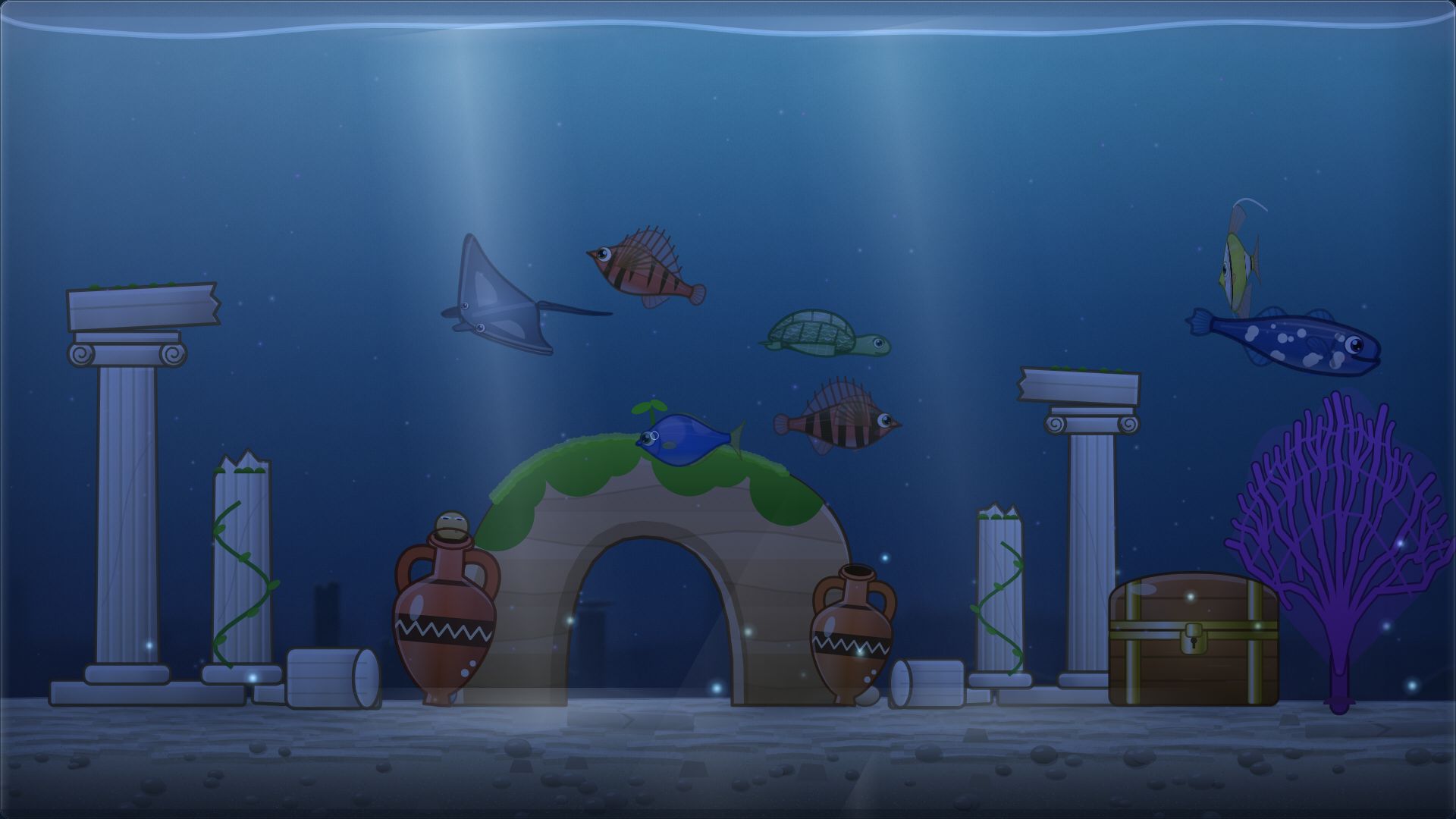
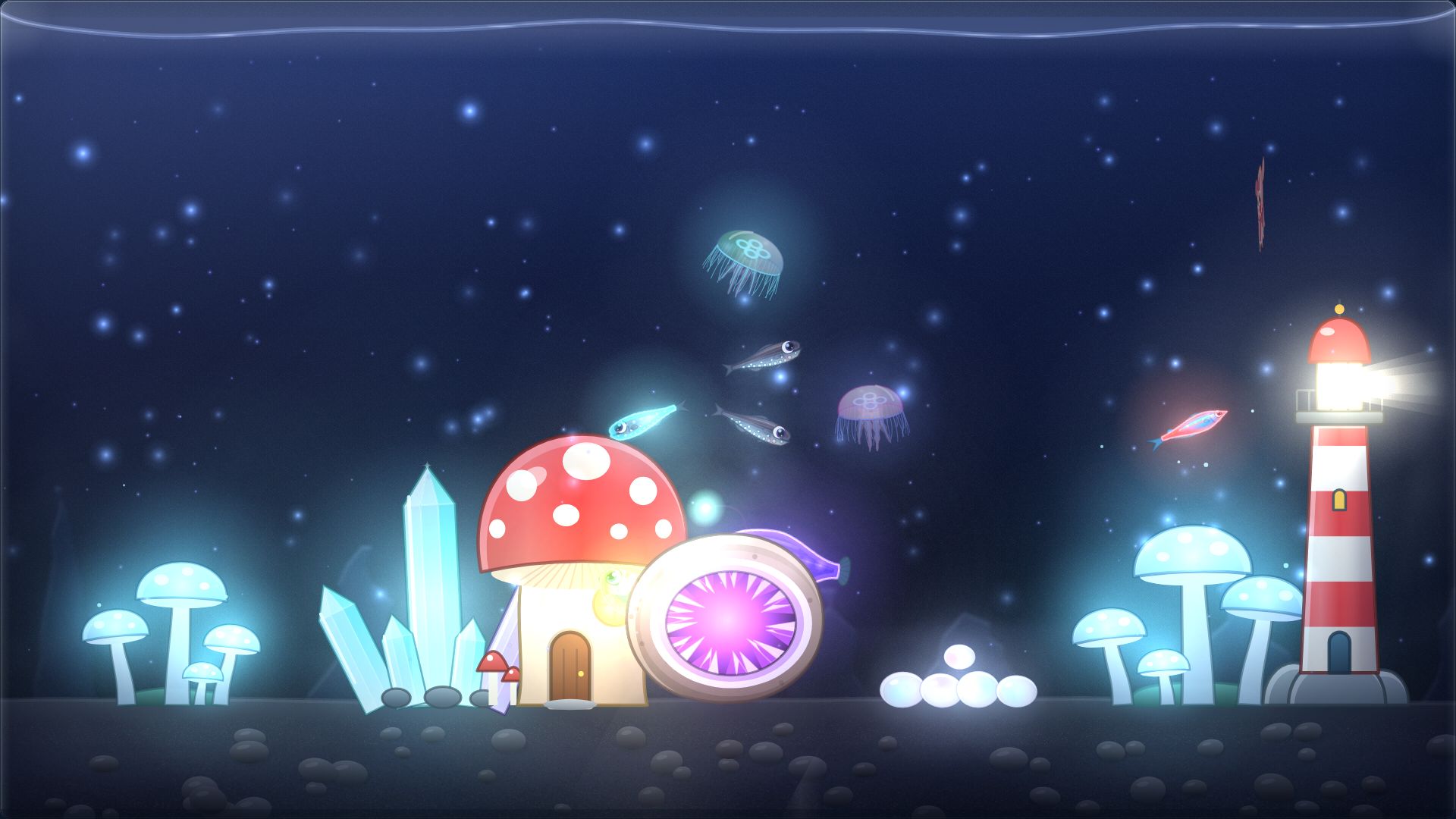
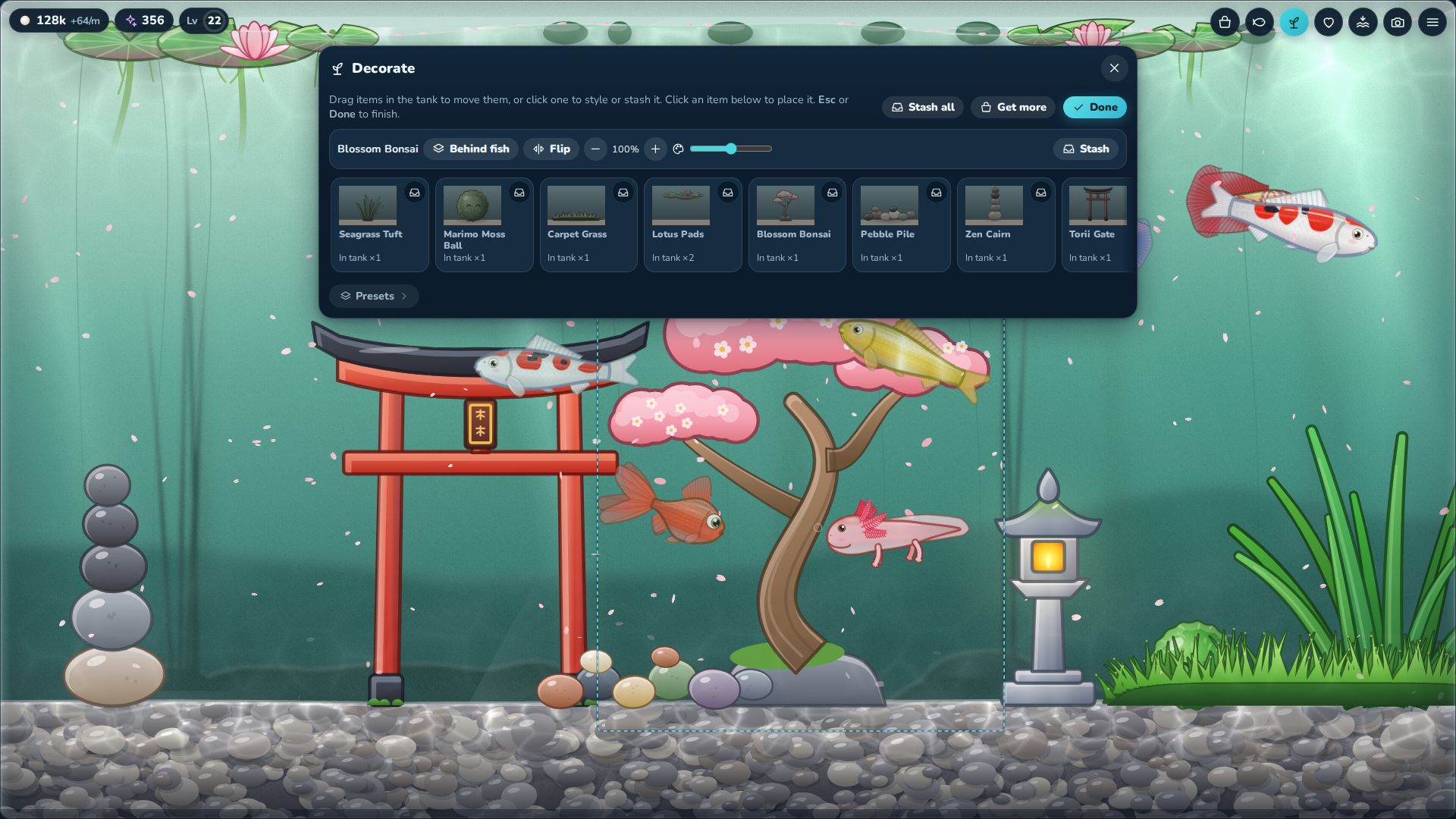
Decorations by category
- Plants10
- Coral6
- Rocks7
- Structures11
- Critters5
- Bubbles & Light5
- Fun11
Focus Tide
Work in tides. Your pearls double.
Start a Focus Tide for 15, 25, 45, or 60 minutes. A gentle tide line rises on the tank, the music changes with it, and every fish earns pearls ×2 while it runs.
- Finish a Tide and you are paid in stardust and XP, and you might find a Focus Egg. It needs a free incubator and hatches with Fancy-grade odds.
- Stopping early is fine: no penalty, just no reward this time.
- A Tide that runs while the game is hidden still doubles your pearls.
- Finish any 7 Focus Tides for an achievement. They do not have to be in a row, and there is no guilt.
- While a Tide runs and you’re away from the tank, reveal cards and non-urgent toasts wait until you come back.
- Finish 10 Tides to earn the Tide Clock decoration.
| Length | Stardust | XP | Focus Egg chance |
|---|---|---|---|
| 15 min | 3 | 18 | 15% |
| 25 min | 5 | 30 | 25% |
| 45 min | 9 | 54 | 45% |
| 60 min | 12 | 72 | 60% |
Radio
Three procedural radio stations
Music that composes itself while you work. Press play on a 30-second preview here, or tune in inside the tank. All three stations are in the free demo.
Each track is a recipe: a key, a tempo, a chord progression and a set of instruments. Every time it plays, the notes are composed live from a fresh random seed and synthesized on your own computer. Nothing is pre-recorded, so it is a little different every time. That makes 22 track recipes across the stations, plus an Off setting.
Lo-fi Reef
Warm keys, dusty drums and a sleepy bassline.
8 tracks
- Kelp & Coffee
- Bubble Tea Tuesday
- Coral Cardigan
- Sleepy Seahorse
- Tidepool Homework
- Snail Mail
- Plankton Polaroid
- Moon Jelly Monday
Deep Calm
Slow pads and soft bells for deep focus.
7 tracks
- Whale Lullaby
- Blue Hour Drift
- Abyssal Glow
- Lantern Below
- Glacier Glass
- Soft Currents
- Nebula Hush
Rainy Glass
Gentle keys and rain against the glass.
7 tracks
- Window Fog
- Puddle Letters
- Drizzle on the Lid
- Umbrella Fish
- Grey Afternoon Tea
- Raindrop Waltz
- Cloudy Aquarium
The previews are 30-second clips rendered by the game’s own audio engine.
Harbor
An optional online mode
The Harbor adds gifts, tank visits, Fish Shows and a weekly community Tide. It is optional, it signs you in with the Steam account that owns Tankbar, your tank never needs it, and the free demo does not include it.
- You sign in with Steam to use it, and you can delete your Harbor data from Settings.
- Play never waits for it. If the Harbor cannot be reached, your tank carries on as usual.
- Nothing else in Tankbar talks to our servers, and there is no analytics or telemetry.
- No player market: fish are for keeping and giving. There is no public chat at 1.0.
- The game is 13+ for online social features.
The Harbor is part of the 1.0 launch plan. If the launch date shifts, the Harbor shifts with it.
Fish Shows
Enter a fish in a show, judged on one of 20 themes. Half the score comes from a judge that reads the genes, half from audience votes. Entering never takes your fish, and placing earns stardust and a trophy for the tank. Prize shows are for sealed fish: eggs you buy while signed in to the Harbor are sealed automatically.
Tank visits
Drop in on a friend’s tank and see who lives there.
Gifts
You can send a fish or a daily pearl pouch, with a preset phrase if you like. A gift arrives as a box on the sand, and the fish card remembers it: “A gift from Mika · 3 Dec”. Your fish remember who gave them to you. Nothing to sell, nothing to farm. Just gifts between friends.
Friends
Send friend requests, and block or report anyone you need to.
The Tide
A weekly community Tide, filled by everyone’s finished Focus minutes.
Leaderboards
Boards for Dex completion, Level, and Show wins, plus the Finest boards, a showcase of sealed fish ranked by float. Nothing on them is for sale.
Sealed fish and the Mint
Sealed fish come from the Mint, and are sealed automatically while you are online. Sealed fish are given, not sold. They travel to friends as gifts, and their seal goes with them, after a hold (currently 14 days after you join or buy). Read how the Mint works and see its odds.
See the Mint oddsKind to your PC
A good neighbor on your desktop
A tank that sits next to your work has to know its manners.
Frame-rate caps
Choose 15, 30 or 60 frames per second. The default is 30.
Pauses when hidden
When the window is hidden, or the PC is locked or goes to sleep, Tankbar stops drawing.
Low detail mode
Low detail skips the finest effects, like caustics and small particles. If drawing gets slow, Tankbar switches itself to Low and tells you.
Your save is yours
It autosaves every 15 seconds and whenever the window is hidden or closed. Export it to a file as a backup and import it again later. With Steam Cloud on, your save syncs through Steam (planned for launch). The web demo’s exported save is a backup, not a carry-over path. The planned free Steam demo is designed to carry your tank over through Steam Cloud.
Automatic backups
An hourly backup (the last 24 kept) and a daily one (the last 14 kept), plus up to 10 safety copies. If the save file is ever damaged, the game loads the newest good backup.
4 backups, at most one an hour.
Accessibility
Made to be comfortable
A few things we have built in, and one thing we would rather be honest about.
UI scale
Scale the interface from 75% to 200%. Panels always stay inside the screen.
Reduce motion
Calmer swimming and no interface animation, for anyone who prefers a quieter tank.
Rarity you can read without color
Every rarity is a shape, a color and a name, never color alone.
- Common
- Uncommon
- Rare
- Epic
- Legendary
- Mythic
More comfort
Show fish names on hover, always or never. Set how dark the night gets. Turn on low detail for a lighter tank.
We have not run a full keyboard or screen-reader audit yet, so we are not making promises about either.
See it for yourself
The free demo runs in your browser. No install, no time limit.